78% of organisations now use AI in at least one business function, but only 5.5% report seeing real financial returns from those investments, per McKinsey's State of AI 2025. In paid media, the gap between deployment and impact almost always comes down to one thing: whether the manual middle layer has been replaced or just supplemented.
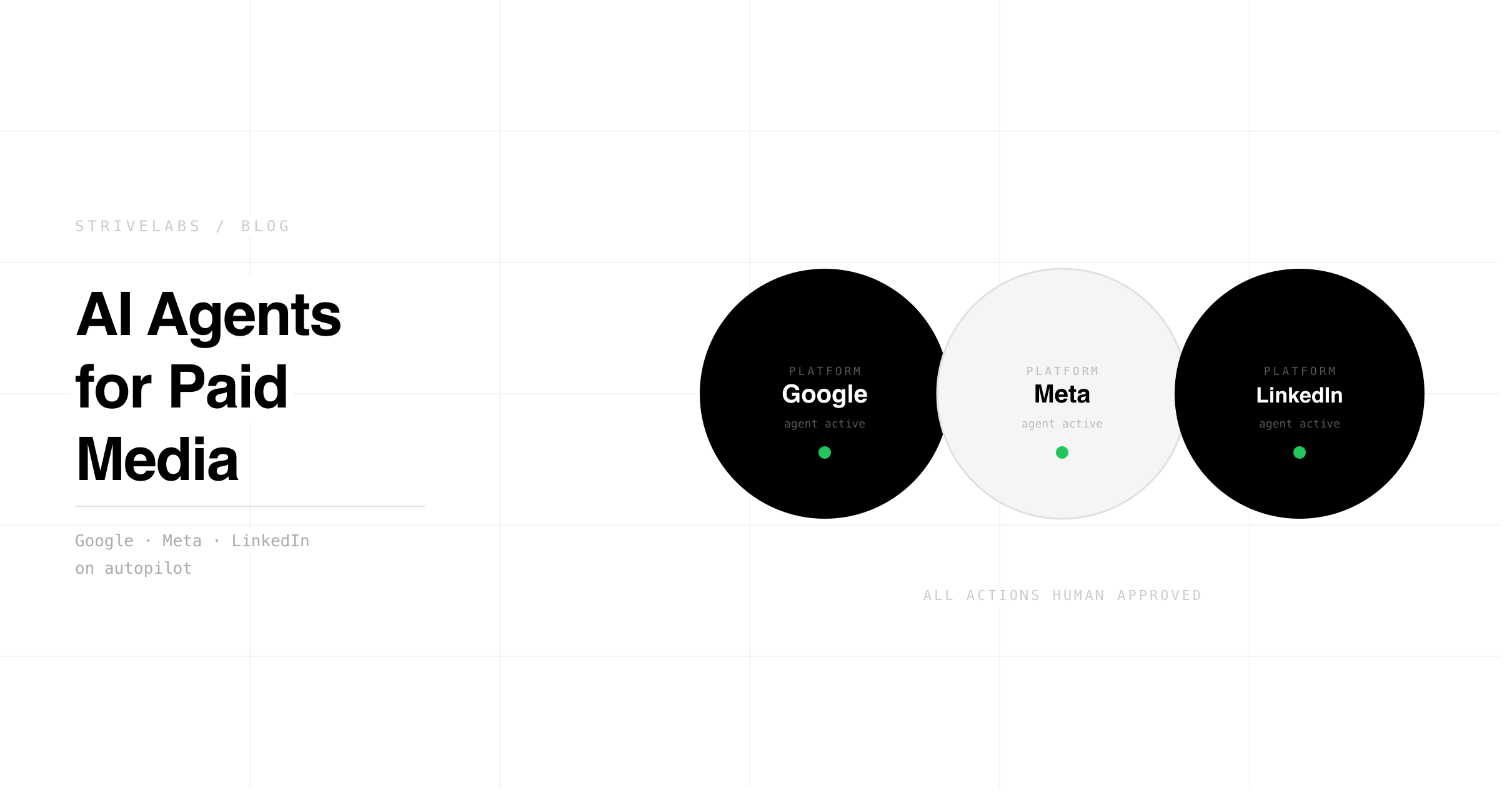
Marketers often lose six to eight hours every week as they hunt through dashboards or fix performance dips. They're wasting time building reports. Instead of strategic work, many spend their days on ad copy and spreadsheets. It's a slow process that doesn't help growth. This post explains how AI agents for paid media handle specific tasks. You'll see which parts of Google, Meta, and LinkedIn ads run on autopilot.
Strivelabs connects these steps to an approval workflow so you only step in.
At a Glance
Observations show how this tech changes your daily work.
- With AI agents for paid media, monitoring data and creating ads becomes much simpler.
- Marketers save 6 to 8 hours weekly by replacing manual analysis with approval based workflows to focus on growth.
- These tools fix stale ads and move budgets across various sites better than software without context.
- Because you stay in control of the strategy, you'll usually approve any big changes manually to ensure they match your goals.
AI agents for paid media explained
Think of autonomous agents as digital assistants that watch your performance and move your budget to the best spots. They create different ad versions and pull reports together so you don't have to. You do not have to do much beyond checking the final results and approving updates.
- Software like this identifies sudden changes in your data and tries out new creative concepts to make your job easier.
- Most configurations handle minor audience adjustments and gather your metrics into a dashboard.
| Task area | Agent action | Saved (hrs/wk) |
|---|---|---|
| Detect | Alerts for data spikes | 2 to 3 |
| Act | Drafting ads and budget shifts | 2 to 3 |
| Report | Data in one weekly brief | 1 to 2 |
Marketers at B2B SaaS companies frequently get strong outcomes by applying these methods to Google, Meta, and LinkedIn ads.
What your paid media week really costs
Small teams don't always track the true price of manual maintenance. Momentum dies when you're stuck in the weeds. While these chores feel minor, they won't leave the hours needed for growth.
- Checking dashboards typically burns three hours. Jumping between tabs slows reactions to warnings, so bad ads keep wasting cash.
- About three hours get swallowed by testing new ideas. When you're justifying data trends instead of fixing them, your pipeline stops.
- Plan on losing several hours to manual reports. This labor pulls focus away from refining your high-level targeting.
Marketing is now the third most advanced function for generative AI deployment at 10%, behind only IT at 28% and Operations at 11%, per Deloitte's State of Gen AI Q4. Teams that have moved past individual AI tools into full workflow redesign are capturing 15–30% productivity improvements, the ones still using AI as a point solution are not.
Waiting too long is the biggest drain on a B2B SaaS budget. Delayed optimizations shrink your pipeline while your CPL starts to climb. Visibility won't return if you don't have a direct connection between GA4, your CRM, and ad platforms. It's an expensive way to work.
Why smart bidding alone falls short
Smart Bidding works until it hits a wall. It is just one component of a much larger engine. Relying on it exclusively means you will likely leave better performance on the table.
- The budget doesn't move between Google, Meta, and LinkedIn based on pipeline shifts since Smart Bidding stays trapped in one platform.
- You won't find native tools catching ads that have gone stale or writing fresh copy that mimics your best sales scripts.
- Because standard alerts overlook subtle patterns, fixing problems across channels is slow and involves too much guesswork.
Gaps like these force managers to waste hours hunting for the source of a dip. Effective coordination between platforms doesn't happen by itself.
Better decisions start with better infrastructure.
Most mid-market teams pick a channel and hope. Strivelabs gives you the data to know, and the infrastructure to act on it.
Book a Demo →
AI agent tasks by channel
You can see exactly how these agents function across different platforms. The results usually involve spotting issues faster, getting ad variants ready for review, moving budget around, and seeing all your data in one place.
What AI agents can do inside Google Ads
These tools look at search signals and your own conversion data to decide where your money should go.
- Spotting anomalies. The agent sends an alert about sudden CTR or CVR drops. It often points to likely causes like a sudden bid change or a landing page problem.
- Search tasks and creative work. You get three fresh ad copy options based on data. These stay in a queue for your approval while the system suggests new negative keywords or match types.
- Data connections. By linking GA4 and CRM signals, the logic ensures that campaigns bringing in real pipelines get more cash. At the same time, the ones that don't perform should scale back.
What AI agents can do inside Meta Ads
Speed is the game on Meta. Because creative and audience trends shift quickly, the agent monitors both in real time.
- Fatigue and creative swaps. When people stop clicking, the agent notices. It might suggest a new image or a different headline to keep your ads fresh.
- Finding audience signals. The system digs through your conversion data to find better lookalike groups. It suggests persona shifts based on how users are actually engaging with your brand.
- Approval workflows. Before anything goes live, you see the drafts. You can tweak the A/B test plans or approve them with one click.
What AI agents can do inside LinkedIn Ads
Why treat LinkedIn like a standard search channel? Success there requires focus on specific accounts. Think of the agent as a junior analyst who specializes in account-based marketing.
- Refined targeting. You receive suggestions for better audience segments. The agent also creates message variants that speak directly to the professional groups you want to reach.
- Cost per lead monitoring. If your CPL climbs too high, the tool flags it. It recommends moving your budget or changing the creative while predicting how it will affect your pipeline.
- Connecting the pipeline. Your reports finally link ad clicks to CRM deals. This makes it easy to see which specific segments are actually helping your sales team close business.
| Responsibility | Google Ads | Meta Ads | LinkedIn Ads |
|---|---|---|---|
| Detect anomalies | CTR or CVR drops and search spikes | Engagement dips or creative fatigue | CPL drift and account performance |
| Creative and copy | Draft 3 search-led variants and SOV tests | Image or headline swaps and persona creatives | Message variants for ABM segments |
| Budget and targeting | Reallocation using conversion signals | Move cash across ad sets using signals | Shift budgets between segments |
| Reporting and attribution | GA4 or CRM conversion priority | Audience reports from first-party signals | Pipeline CPL and opportunity data |
How the Strivelabs agent works for you
Strivelabs is the marketing engineer for your paid media stack. It connects Google Ads, Meta, and LinkedIn via OAuth, pulls GA4 and CRM data into the same signal layer, and runs the agent workflows that most paid media teams are still doing manually.
Every action, creative variant, budget reallocation, audience suggestion, routes to the right person with a specific recommendation and a confidence score. Nothing touches your ad accounts without human sign-off. The audit trail is automatic.
For teams running human-in-the-loop AI approvals across their marketing stack, paid media is typically the highest-leverage starting point, the approval gates are clear, the ROI is measurable within 30 days, and the time savings show up in the first week.
Conclusion
By handling manual work, AI agents for paid media let marketers prioritize strategy, messaging, and growth instead. You'll get hours back by automating creative variants and budget shifts, all while keeping a human in the loop via a single approval gate.
If late nights spent on dashboards aren't for you, an agent like Strivelabs turns manual ops into an approval-first workflow that is simple to track while growing your entire pipeline.
The marketing engineer function, delivered as software.
See how Strivelabs gives mid-market teams the operational capacity without the hiring cost.
Explore Strivelabs →
Frequently Asked Questions (FAQs)
What is an AI agent for paid media and how is it different from smart bidding?
Smart bidding is platform-level automation that optimises bids within a single platform using that platform's conversion signals. An AI paid media agent operates above the platform layer, monitoring signals across Google, Meta, and LinkedIn simultaneously, connecting GA4 and CRM pipeline data to bidding logic, and generating creative variants for human review. 70% of advertisers rely on platform-level conversion optimisation, an agent closes the gap between platform conversions and actual revenue outcomes.
Will AI-generated ad creative hurt performance?
Yes if deployed without human review. Meta, TikTok, and Google quietly down-rank obvious AI creative in their 2026 ranking updates, this is confirmed across multiple agency performance studies. The right model is human-approved AI creative: the agent generates variants based on performance signals, a human reviews and approves before anything goes live. That combination outperforms both fully manual and fully automated creative workflows.
How do you measure ROI from an AI paid media agent?
Three metrics before and after deployment: hours saved per week on manual monitoring and reporting (benchmark: 6–8 hours to under 1 hour), CPA improvement from better signal integration (benchmark: 10–20% improvement with proper conversion tracking), and budget allocation efficiency (benchmark: 15–30% improvement across multi-campaign accounts). Measure all three against a 30-day pre-deployment baseline before attributing broad performance gains to the agent.
Which platform should I start with when deploying a paid media agent?
Start with the platform where you have the cleanest conversion tracking and the most historical data, typically Google Ads for B2B teams. The agent needs 90+ days of conversion history to generate reliable bidding recommendations. Once Google is stable, add Meta for creative fatigue monitoring, then LinkedIn for account-level CPL tracking. Running all three simultaneously from day one produces unreliable signals until each platform's data model is properly configured.
How long before results show from an AI paid media agent?
Time savings from automated monitoring and reporting show within the first week. CPA improvements surface between days 14–30 as the agent accumulates enough signal to make reliable budget recommendations. Cross-channel budget allocation improvements are a 60-day metric. Companies that invest in governance frameworks and baseline metrics before deployment reach positive ROI 2.4x faster than those that don't, defining your success criteria before launch is not optional.