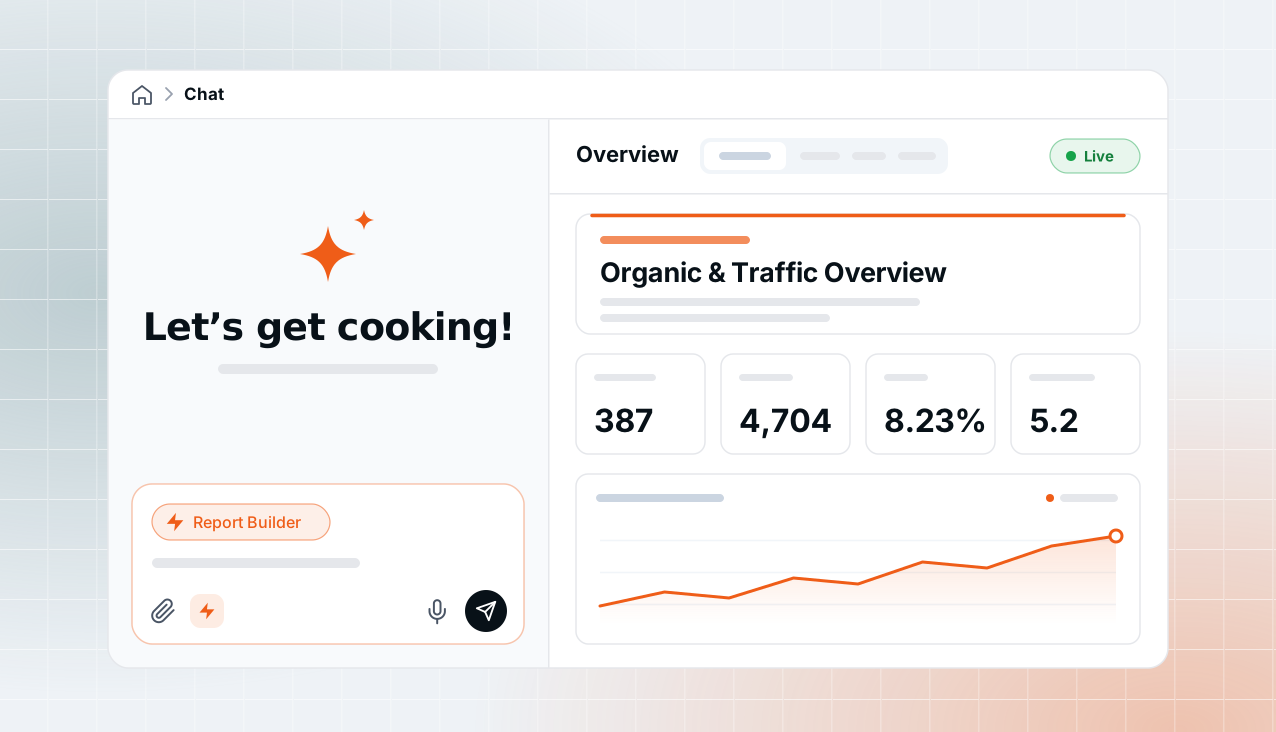
Strive Studio is where you build marketing reports in Strive. Describe what you want in chat, and you get back a live dashboard wired to your own ad, analytics and CRM data, right beside the conversation.
Think Claude artifacts, but the numbers never go stale.
A little bit of backstory
We already had a stable generative UI chat, Strive AI, built from the ground up. It could already put together a good first version of insights, straight from a conversation.
But we soon hit real bottlenecks, and the need for a far more flexible builder came much sooner than we had planned.
It started as a simple, slightly wild idea from our CTO:
What if we just let the agent write the code, instead of struggling with schemas and teaching it to make sense of them?
v1: insights, curated from chat
The first version lived inside the chat. You ran an analysis, the insights came back in pieces across the thread, and you kept the pieces that mattered.
Under the hood, an insight doc is just a set of blocks, handpicked by you or suggested by the agent, compiled into a structured page with AI summaries alongside the metrics.
It still works today, as /share-insights:
Where v1 ran out
An insight doc is a snapshot. Reports asked for a lot more: large volumes of data, and numbers that stay live after you share them.
- The registry didn’t scale to every layout. Owning it helped in many ways, but each new layout or variant meant one more UI tool, and more context for the agent to carry.
- Some reports can’t be written as JSON. Multi-dimensional, multi-page reports need schemas that no model follows reliably.
- Strict patterns drained the story out. Every time we boxed the UI into a fixed pattern, reports lost their appeal. A report should tell its story in one quick scan.
Two ways to share, one product
This was one of the more interesting problems for me as a design engineer. We were about to have two ways to make something shareable, and people needed to pick the right one without thinking about it.
We couldn’t simply drop v1. Insight docs are snapshots with AI summaries you can read in a minute, and schedulable templates that bring the same outline back every week. They’re powerful, and a few customers were already happy with them. Reports needed a proper playground.
So the first job was the words.
- Insights became insight blocks, behind a skill of their own,
/share-insights, which guides you to curate what’s worth keeping from a chat. - Reports got a studio. I wanted it to feel like a hand-off from chat into a dedicated playground. It isn’t a separate environment, though: the slot becomes the studio.
- Reports got a home. A Reports page lists them, each one linked to its chat. Open a report there and jump into the studio to change it, or go the other way.
I’ll admit there’s still some overlap. Building at a startup is always cost against impact, so we let people use both, and we’ll unify them once we’ve seen how they do.
Why we let the agent write HTML
For reports, we stopped enforcing schemas altogether. The agent gets taste and brand context instead, and you decide what goes in the report and how it’s laid out.
Our CTO had been saying it from the start: leave the agent with what it already knows, and what’s already all over the internet. We’d made the same call before, choosing charting libraries, graph tools and diagram formats.
- Models are extremely good at HTML.
- No framework overhead. No bundling, nothing to compile. Minimal, and a good fit for marketing dashboards.
- It’s a standard people know. If humans start editing alongside the agent one day, there’s very little to learn.
We’re not against frameworks. This one just works for us.
For the frontend, the job changed completely. Instead of rendering our components, we now had to host someone else’s page, safely, and still make it feel like part of the product.
The one-liner
The agent writes one HTML file. We host it in a sandbox, lend it live data through a narrow bridge, and give it enough design context to look like it belongs.
Hosting a page we didn’t write
Reports render in <iframe sandbox="allow-scripts">, deliberately without allow-same-origin. That one missing token does most of the work: the report runs its own scripts and charts, but it can’t read our cookies, storage or DOM, and it can’t call our API.
So when it needs data, it has to ask.
window.addEventListener("message", (event) => {
  if (event.source !== frame.contentWindow) return;  // 1 · this frame
  if (event.origin !== "null") return;               // 2 · a sandboxed origin
  if (!isReportRequest(event.data)) return;          // 3 · a known shape
  handle(event.data);                                // anything else: ignored
});- The host picks the credential, never the iframe.
- Every app action from a report is read-only, on both client and server. Reports run unattended whenever someone opens them, so they should never write.
- A small SDK wraps it all.
report.dataset.query(sql),report.app.execute(…),report.export(). It’s a plain script, not a bundle, so a fix reaches every report without regenerating any HTML.
The report can ask for anything. It can’t hold anything.
What broke at scale
Agent-written HTML was an instant hit. Then came the scale problems, and they taught us the most.
Design context: from a stylesheet to a little taste
At first I wrote the whole CSS context myself: 650 lines of classes matching our design system, with the skill trained on top. It became unmaintainable very quickly, and honestly it went against the whole point of moving away from fixed schemas.
What the agent really needed was a small amount of taste and a few guidelines; it can work out the rest. Tailwind is a standard models already know well, so now the agent writes Tailwind classes straight into the HTML, instead of picking from a set we defined.
tailwind.config = {
  theme: { extend: {
    colors: {
      brand: { DEFAULT: "#F97316", dark: "#EA580C", soft: "#FFF7ED" },
    },
    fontFamily: { sans: ["Inter", "system-ui", "sans-serif"] },
  } },
};

// charts read the same token the markup does
const brand = getComputedStyle(document.documentElement)
  .getPropertyValue("--brand");
The taste lives in the skill: restraint over decoration, brand orange in four places and no more, numbers that read like numbers, and one layout archetype per report.
And a few emphasis recipes, for the most common tell of a generated dashboard.
Huge volumes of data
Loading everything on page load didn’t scale. On big accounts the browser stalled, and heavy pages broke outright.
Less AI slop
Reports shouldn’t look vibe-coded. They should carry the customer’s brand, and be easy to customise.
So during onboarding we extract a brand’s design-system context and keep it in our knowledge base, where it can be edited. Several workflows plug into it, and reports are one of them. That part deserves its own post, coming soon.
Multi-page exports
PDF export worked fine, until reports became interactive and multi-page. The host can’t read a sandboxed page, so only the report can snapshot itself, and then each page has to be drawn on its own.
- Page by page. Each page loads separately in Playwright, gets snapshotted, and the snapshots are stitched into one PDF.
- A strict 5 MB limit. It all runs on a Lambda, and we learned the hard way that it needs a firm cap.
- It waits for the data before snapshotting, and the host fixes the action; the iframe only supplies HTML.
From a studio of its own to a skill
The first Report Studio was a separate chat, on purpose. It kept the report rules out of the main chat’s prompt, and let us experiment without touching the chat everyone uses daily. Here’s how we sketched it.
The trade-off we were happy to live with for a while: a separate agent meant a separate history. We always knew it was meant to be a skill, at least from the user’s side, so once it was stable we folded it in. One chat, one history.
- The report became a canvas slot, in the same floating panel and navigator rail the chat already had. No new chrome.
- The page drives it, not the agent. It opens as soon as a thread has a report, even while history is still loading.
- The chat stayed generic. No report imports, just a canvas slot and an awaited pre-send step. That’s what made folding it in cheap.
The small things that make it feel native
- No flicker on edits. A staged splash on first load only; after that, the page swaps in quietly.
- Honest empty states. “Report not found” only after the query resolves, and a failed tool turn keeps the previous version.
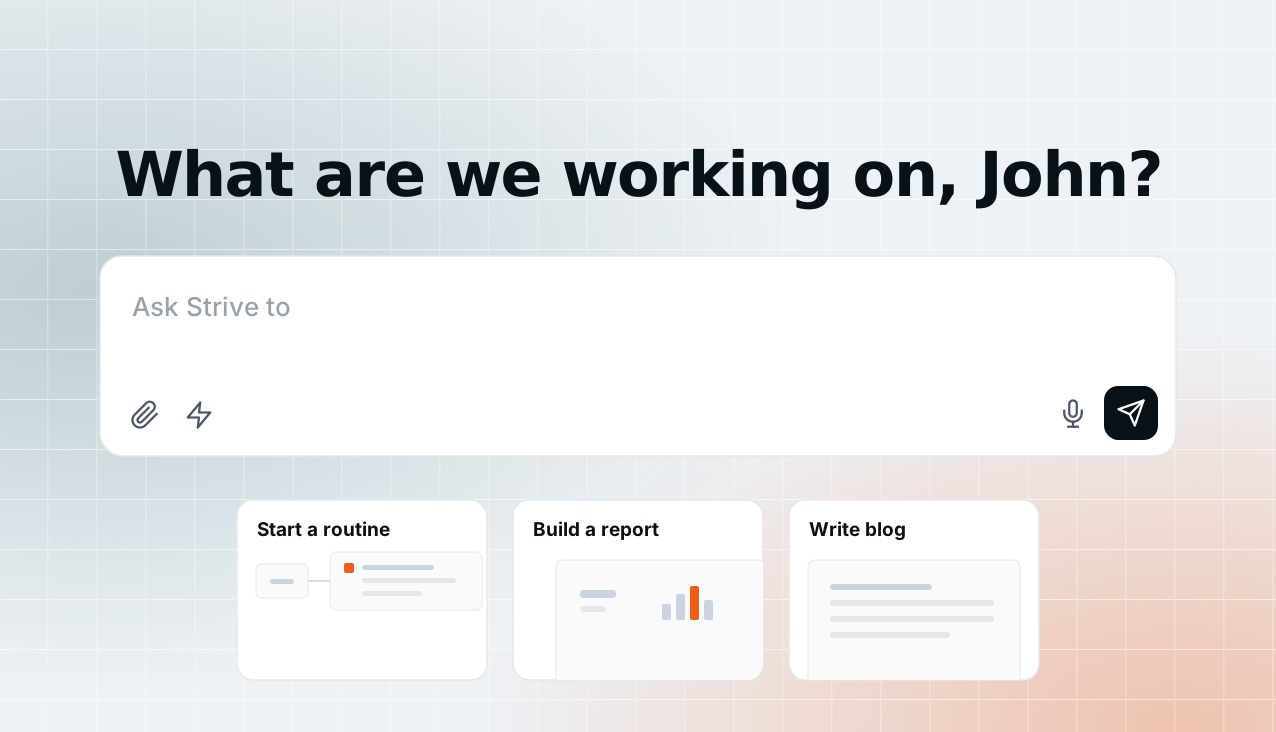
- A workspace, not a new chat. “Let’s get cooking!”, starter prompts that fill the composer instead of sending, titles taken from your prompt.
- “Ask about this” inside a report opens a chat that already knows which report it came from.
What I’d keep
- Don’t throw away what works. Insights stayed. Clear names made room for both.
- Let the model use what it already knows. HTML and Tailwind beat any vocabulary we could invent.
- Treat agent HTML as untrusted. Opaque origin, host-held credentials, read-only actions, three checks on every message.
- Live should never mean heavy. Load what’s on screen, and fetch the rest when it’s asked for.
- Build apart, then fold in. The standalone studio was how we learned fast without breaking the main chat.
Six months on one timeline
What’s next
- Public sharable links.
- Streaming HTML into the canvas while the agent edits.
- Revision history and diffs.
- Editing together on one report.
- One way to share. Bringing insights and reports closer, once we’ve learned enough from both.
The report canvas also became our first page-driven slot, and the same shape now powers briefing panels, routine previews, task details and chat artifacts. Reports were the first place we let the agent write the interface itself. They won’t be the last.
Thanks
Strive Studio is a team effort, from the data and sandboxes underneath to the agent, the skill and the checks that keep every number honest. Thanks to the whole team at Strivelabs for building it together.